Description
Apple Magic Trackpad Lighting Review by Cytech Digitals: Pros, Cons & Features
Overview
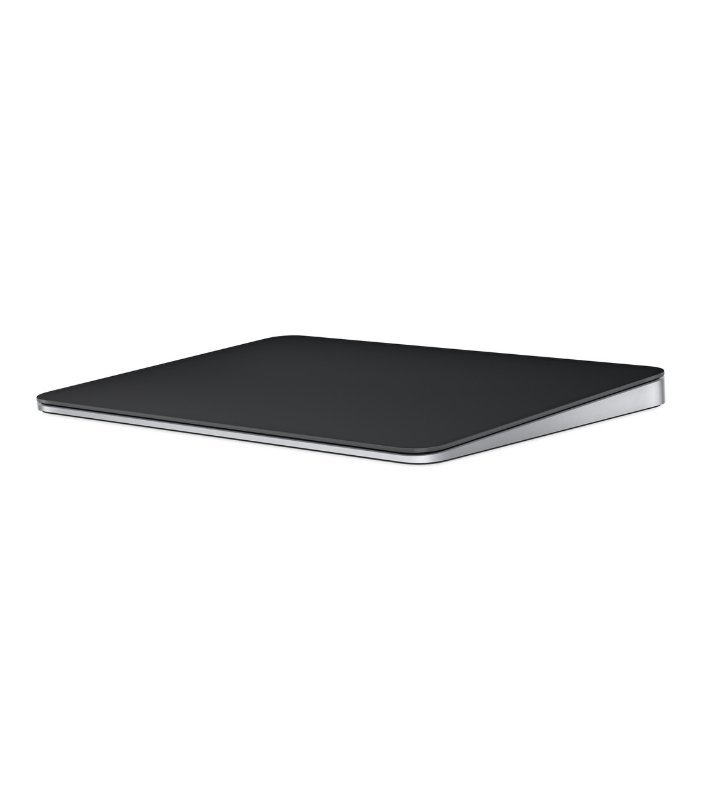
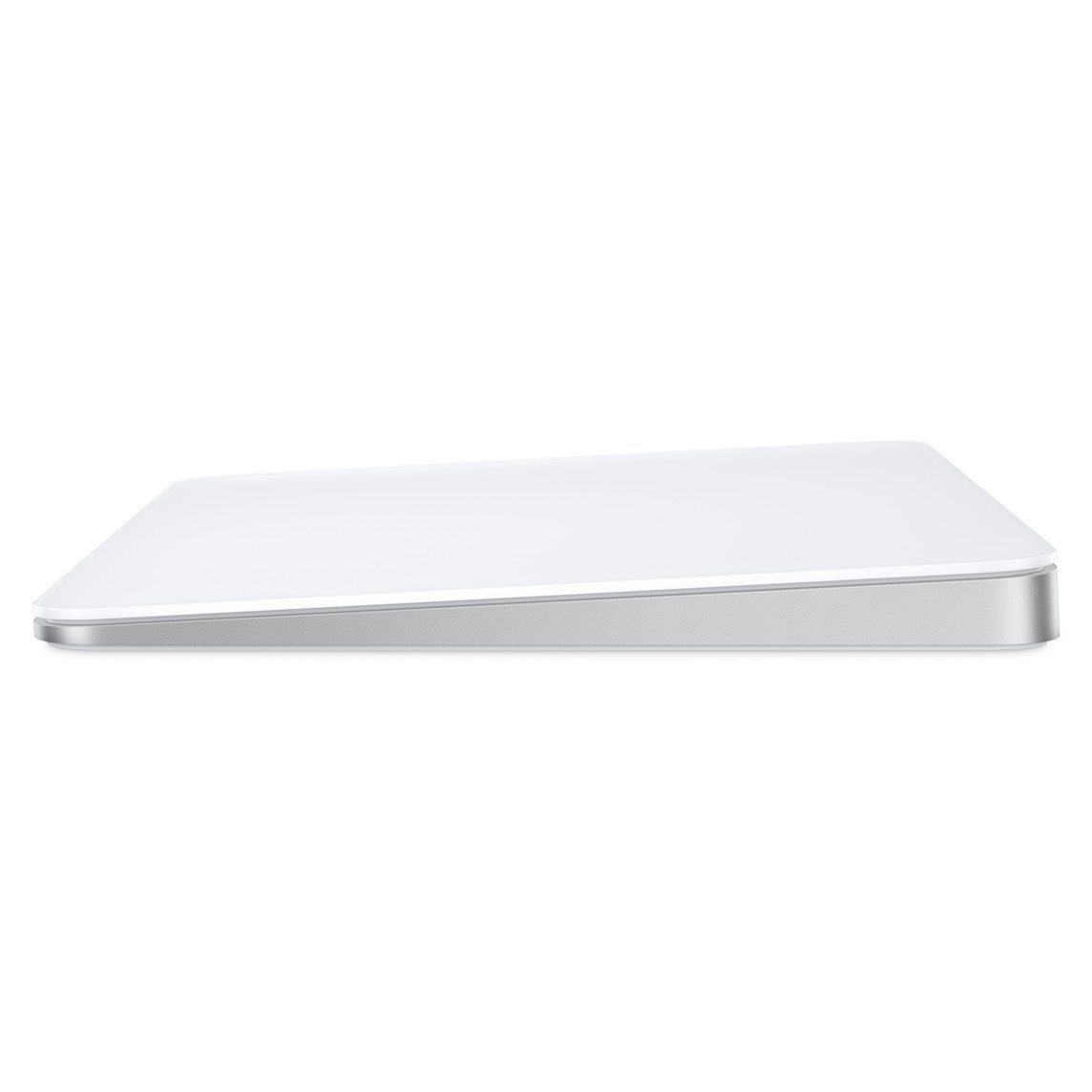
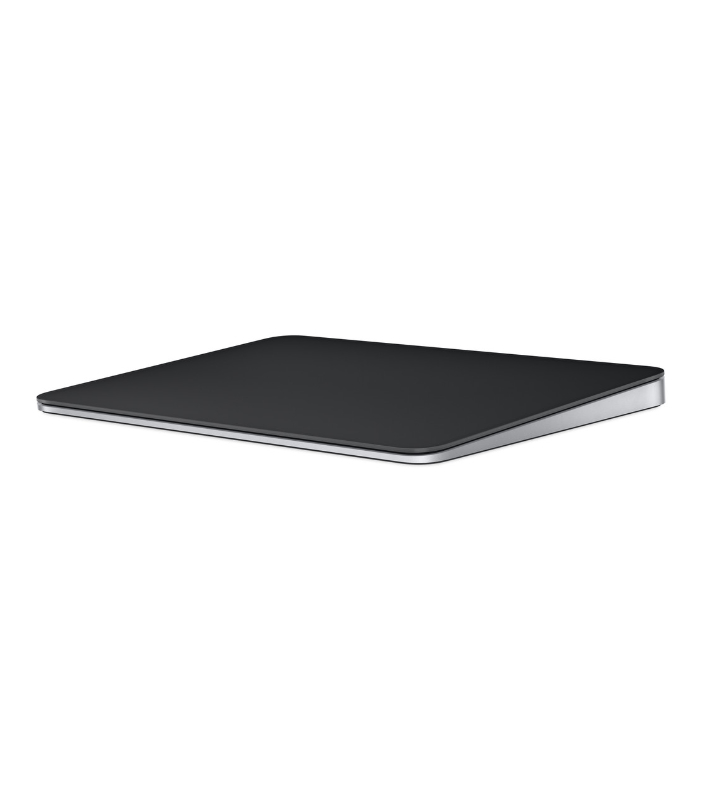
The Apple Magic Trackpad Lighting is a revolutionary input device designed to enhance your computing experience. With its wireless and rechargeable capabilities, it brings the full range of Multi-Touch gestures and advanced Force Touch technology right to your fingertips. The sensors embedded beneath the trackpad’s surface can detect subtle variations in pressure, allowing for a more intuitive and responsive interaction with your digital content.
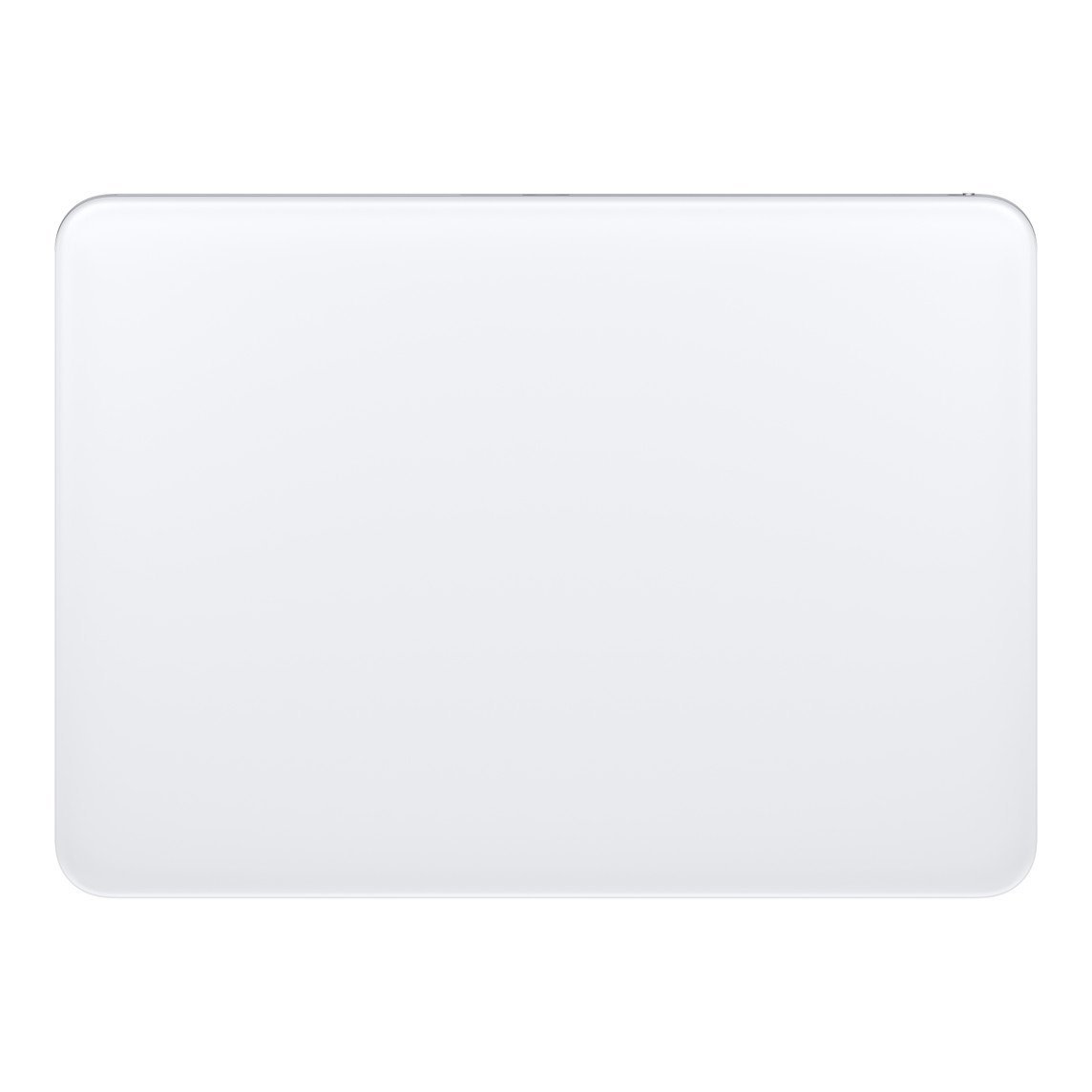
Featuring a generous edge-to-edge glass surface area, the Magic Trackpad enables effortless scrolling and swiping through your favorite applications and documents. This design not only enhances productivity but also ensures a comfortable user experience during extended use, making it an ideal accessory for both casual users and professionals alike.
Pairing the Magic Trackpad with your Mac is seamless and automatic, ensuring you can get started on your tasks without delay. The rechargeable battery is designed to last for approximately a month or more between charges, significantly reducing the hassle of frequent charging.
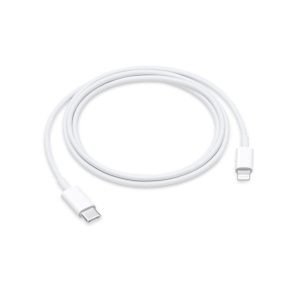
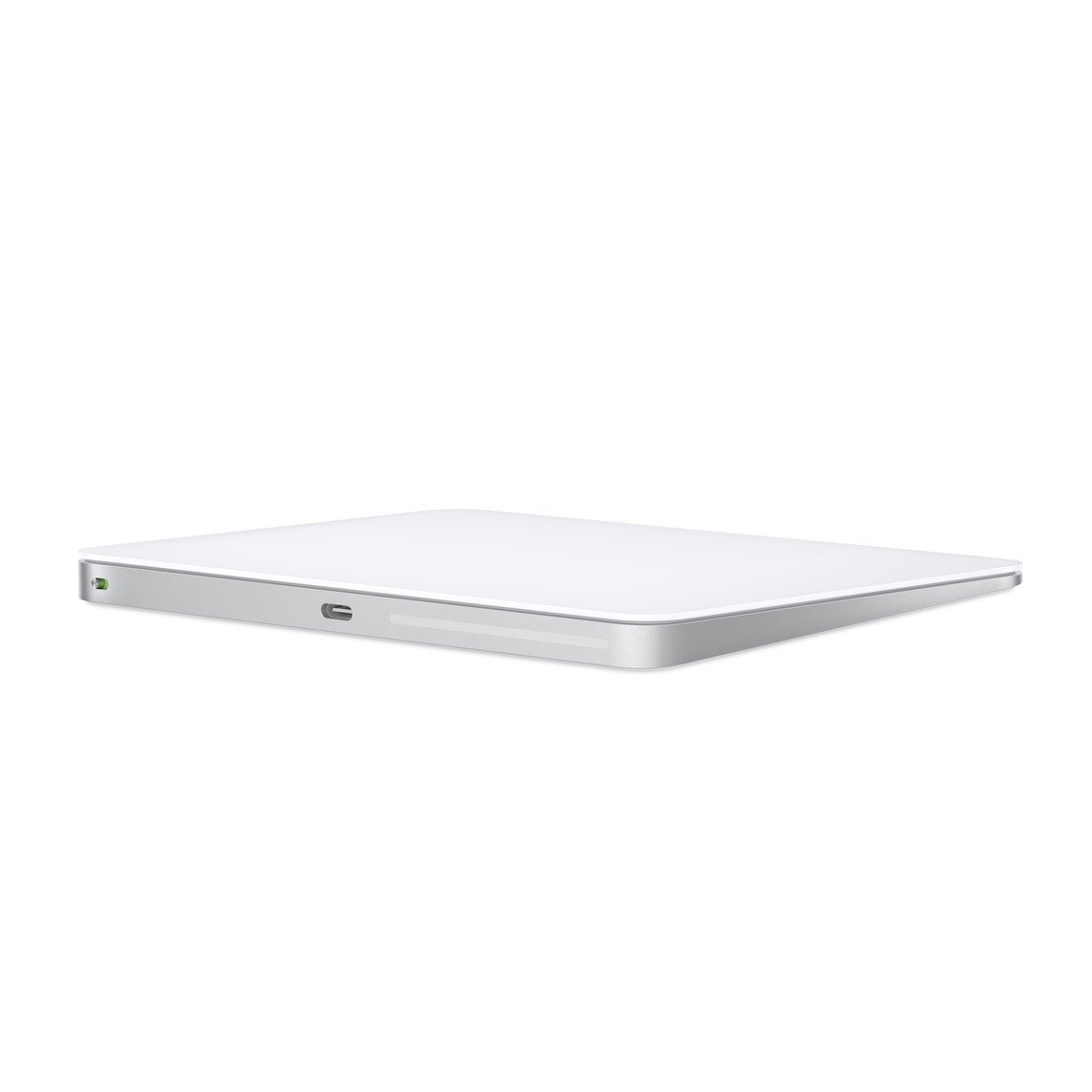
Additionally, the Magic Trackpad includes a USB-C port and comes with a woven USB-C Charge Cable, allowing you to connect and charge it via any USB-C port on your Mac. This feature not only simplifies your charging process but also enables you to charge multiple devices with a single cable.
Moreover, the Magic Trackpad works seamlessly with the Apple Vision Pro, empowering users to engage in activities like arranging apps in 3D space or navigating complex spreadsheets with ease and precision.
What’s in the Box
- Magic Trackpad
- USB‑C Charge Cable
- User documentation
Tech Specs
Size and Weight
- Height: 0.19–0.43 inch (0.49–1.09 cm)
- Width: 6.30 inches (16.0 cm)
- Depth: 4.52 inches (11.49 cm)
- Weight: 0.51 pound (0.230 kg)
General Features
- Force Touch technology for pressure-sensitive interactions
- Multi-Touch gestures for enhanced navigation
- Edge-to-edge glass surface for a sleek look and feel
Connections and Expansion
- Bluetooth connectivity for wireless use
- USB-C port for charging and pairing
- Lightning Port for additional compatibility
System Requirements
- Mac with macOS 15.1 or later
- iPad with iPadOS 18.1 or later
- Apple Vision Pro with the latest version of visionOS
Compatibility
iPad Models
- iPad Pro 13-inch (M4)
- iPad Pro 12.9-inch (6th generation)
- iPad Pro 12.9-inch (5th generation)
- iPad Pro 12.9-inch (4th generation)
- iPad Pro 12.9-inch (3rd generation)
- iPad Pro 11-inch (M4)
- iPad Pro 11-inch (4th generation)
- iPad Pro 11-inch (3rd generation)
- iPad Pro 11-inch (2nd generation)
- iPad Pro 11-inch (1st generation)
- iPad Air 13-inch (M3)
- iPad Air 11-inch (M3)
- iPad Air 13-inch (M2)
- iPad Air 11-inch (M2)
- iPad Air (5th generation)
- iPad Air (4th generation)
- iPad Air (3rd generation)
- iPad (A16)
- iPad (10th generation)
- iPad (9th generation)
- iPad (8th generation)
- iPad (7th generation)
- iPad mini (A17 Pro)
- iPad mini (6th generation)
- iPad mini (5th generation)
Mac Models
- MacBook Air (13-inch, M4, 2025)
- MacBook Air (15-inch, M4, 2025)
- MacBook Air (13-inch, M3, 2024)
- MacBook Air (15-inch, M3, 2024)
- MacBook Air (15-inch, M2, 2023)
- MacBook Air (13-inch, M2, 2022)
- MacBook Air (M1, 2020)
- MacBook Air (Retina, 13‑inch, 2020)
- MacBook Pro (14‑inch, 2024)
- MacBook Pro (16‑inch, 2024)
- MacBook Pro (14‑inch, 2023)
- MacBook Pro (16‑inch, 2023)
- MacBook Pro (13‑inch, M2, 2022)
- MacBook Pro (14‑inch, 2021)
- MacBook Pro (16-inch, 2021)
- MacBook Pro (16-inch, 2019)
- MacBook Pro (13-inch, M1, 2020)
- MacBook Pro (13-inch, 2020)
- iMac (24‑inch, M4, 2024)
- iMac (24-inch, M3, 2023)
- iMac (24-inch, M1, 2021)
- iMac (Retina 4K, 21.5‑inch, 2019)
- iMac (Retina 5K, 27-inch, 2019–2020)
- iMac Pro (2017)
- Mac Studio (2025)
- Mac Studio (2023)
- Mac Studio (2022)
- Mac mini (2024)
- Mac mini (2023)
- Mac mini (M1, 2020)
- Mac mini (2018)
- Mac Pro (2023)
- Mac Pro (2019)
Apple Vision Pro
- Apple Vision Pro
Comparison with Competitors
Apple Magic Trackpad vs. Logitech MX Master 3
The Logitech MX Master 3 is a popular alternative to the Magic Trackpad. While both devices offer high precision and customizable buttons, there are key differences:
- Design: The Magic Trackpad offers a larger surface area and a more modern aesthetic, while the MX Master 3 has a more traditional mouse shape.
- Gestures: The Magic Trackpad excels in gesture support, allowing for more fluid navigation compared to the MX Master 3.
- Battery Life: Both devices have impressive battery lives, but the Magic Trackpad’s rechargeable feature is a standout.
- Price: The MX Master 3 is generally priced lower than the Magic Trackpad, making it a more budget-friendly option.
Apple Magic Trackpad vs. Microsoft Surface Precision Mouse
The Microsoft Surface Precision Mouse is another competitor worth considering. Here’s how it stacks up against the Magic Trackpad
Additional information
| Ram rom | 4/128GB |
|---|
Related products
-
 -4%
-4% -
-

-

-

-

-
 -3%
-3% -
 -5%
-5%